From Planning to Completion
From Planning to Completion
Tasklane
Tasklane
My role
My role
Product designer
Product designer
The team
The team
PM, SA and UI Designer
PM, SA and UI Designer
Duration
Duration
10 month
10 month
Company & Product Context
The product is a mobile-first messaging platform used by distributed teams to coordinate daily work, share updates, and resolve issues in real time. Most users rely on the app while multitasking, often switching contexts between conversations, notifications, and other tools.
My contribution
Product designer, responsible for discovery, UX strategy, interaction design, visual design, and validation across mobile and web experiences.
The problem
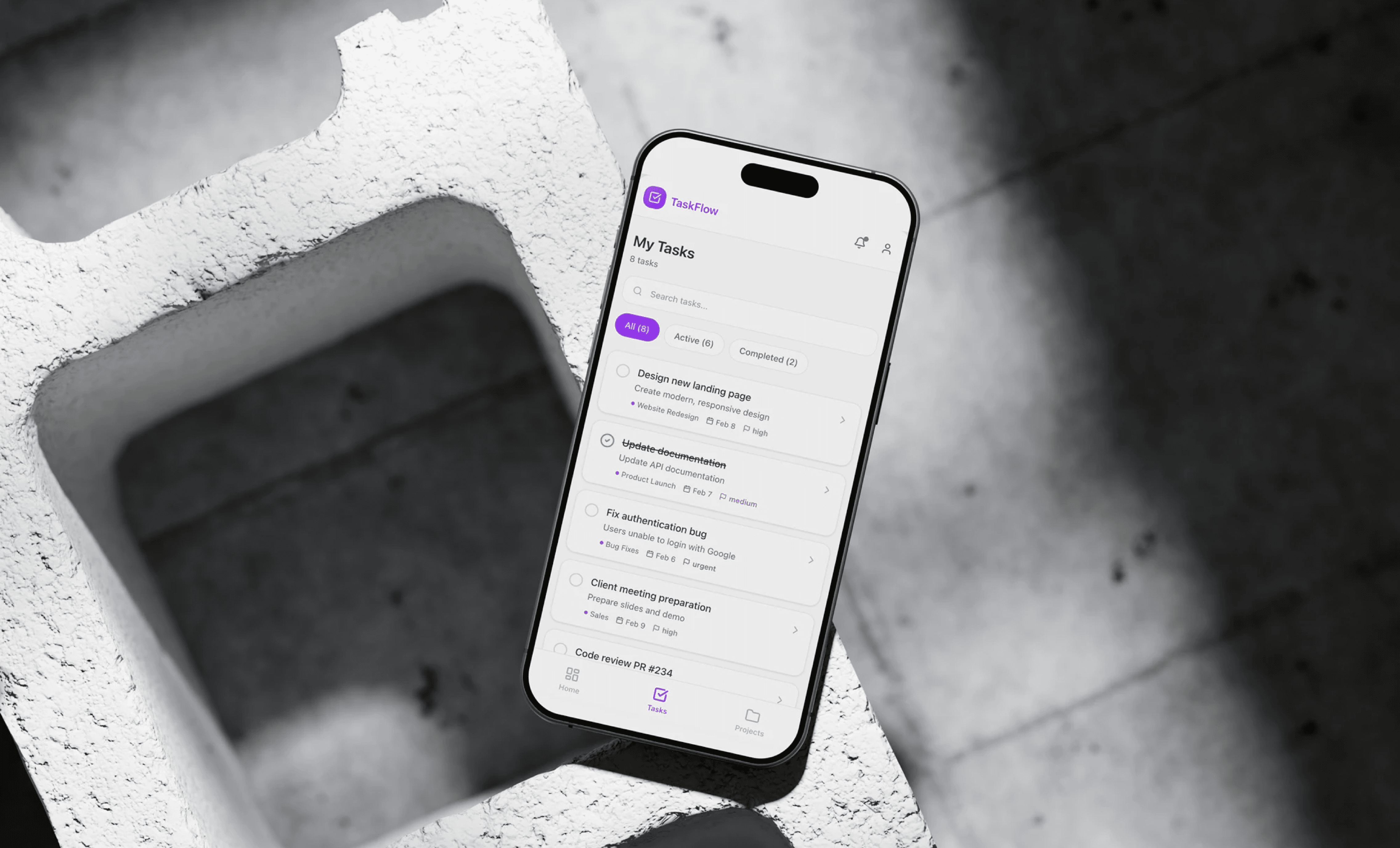
Tasklane is a productivity platform designed for teams working across multiple projects and priorities. The product is used daily by product managers, designers, and engineers to plan tasks, track progress, and coordinate work. As the platform grew, the number of features increased, making it harder for users to quickly understand priorities and manage their workload effectively.
Core issue
The product lacked a clear prioritization model. All tasks were visually similar, forcing users to manually interpret urgency and importance. This increased cognitive load and reduced confidence when planning daily work.
Business issue
If users couldn't manage priorities efficiently, engagement dropped and teams relied on external tools to organize their work. Improving clarity and focus was critical to increase daily usage and long-term retention.
The problem
Tasklane is a productivity platform designed for teams working across multiple projects and priorities. The product is used daily by product managers, designers, and engineers to plan tasks, track progress, and coordinate work. As the platform grew, the number of features increased, making it harder for users to quickly understand priorities and manage their workload effectively.
Core issue
The product lacked a clear prioritization model. All tasks were visually similar, forcing users to manually interpret urgency and importance. This increased cognitive load and reduced confidence when planning daily work.
Business issue
If users couldn't manage priorities efficiently, engagement dropped and teams relied on external tools to organize their work. Improving clarity and focus was critical to increase daily usage and long-term retention.
Discovery
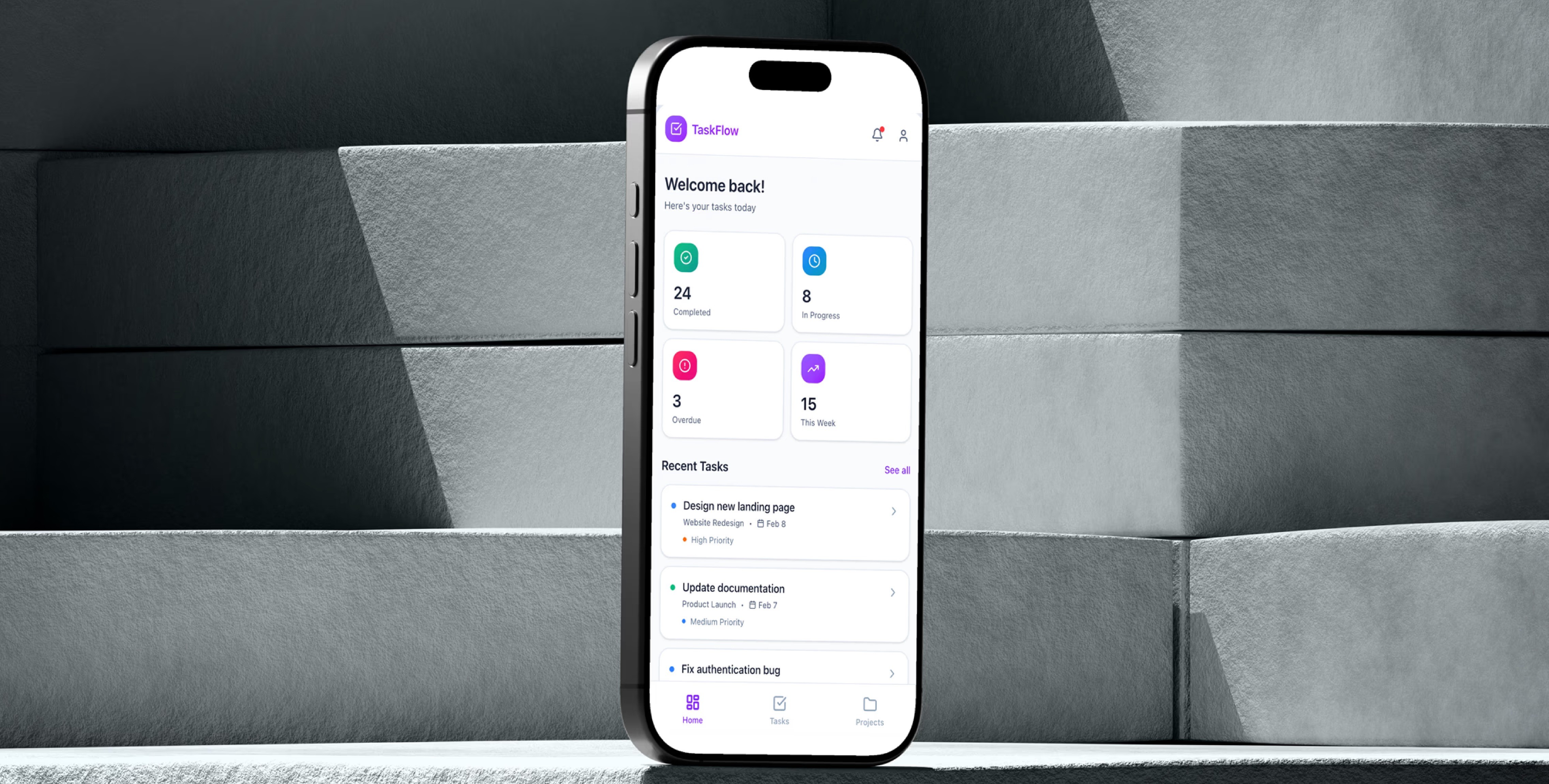
To understand real workflows, I ran a discovery phase focused on how users plan, review, and execute tasks throughout the day.
Discovery
To understand real workflows, I ran a discovery phase focused on how users plan, review, and execute tasks throughout the day.
Research methods
Customer interview
10 interviews with individual contributors leads to understand planning habits and pain points.
Workshops
We ran collaborative workshops with product, engineering, and design to align on the problems.
Survey
A short survey to validate common frustrations around task overload and prioritization.
Quantitative data
Review of feature usage to identify underused or confusing areas of the product.
User test
Task-based tests to observe how users create, prioritize, and complete tasks.
Research methods
Customer interview
10 interviews with individual contributors leads to understand planning habits and pain points.
Workshops
We ran collaborative workshops with product, engineering, and design to align on the problems.
Survey
A short survey to validate common frustrations around task overload and prioritization.
Quantitative data
Review of feature usage to identify underused or confusing areas of the product.
User test
Task-based tests to observe how users create, prioritize, and complete tasks.
Findings
Findings
Research highlighted recurring patterns in daily task creation workflows.
Research highlighted recurring patterns in daily task creation workflows.
Needs
Users plan work in short cycles
Most users focus on what needs to be done today rather than long-term task lists.
Visual clarity impacts execution
When priorities are visually clear, users move faster and feel more in control.
Too many views create friction
When priorities are visually clear, users move faster and feel more in control.
Pain points
Task overload
Large task lists made it difficult to identify what's the most important things.
Unclear priorities
Urgent and non-urgent tasks looked the same, increasing decision fatigue.
Needs
Users plan work in short cycles
Most users focus on what needs to be done today rather than long-term task lists.
Visual clarity impacts execution
When priorities are visually clear, users move faster and feel more in control.
Too many views create friction
When priorities are visually clear, users move faster and feel more in control.
Pain points
Task overload
Large task lists made it difficult to identify what's the most important things.
Unclear priorities
Urgent and non-urgent tasks looked the same, increasing decision fatigue.
Workshops: Vision alignment
Workshops: Vision alignment
Cross-functional workshops helped align on a shared principle: a task manager should guide focus, not just store tasks. The team agreed to prioritize clarity, intentional defaults, and progressive disclosure over feature richness.
Cross-functional workshops helped align on a shared principle: a task manager should guide focus, not just store tasks. The team agreed to prioritize clarity, intentional defaults, and progressive disclosure over feature richness.
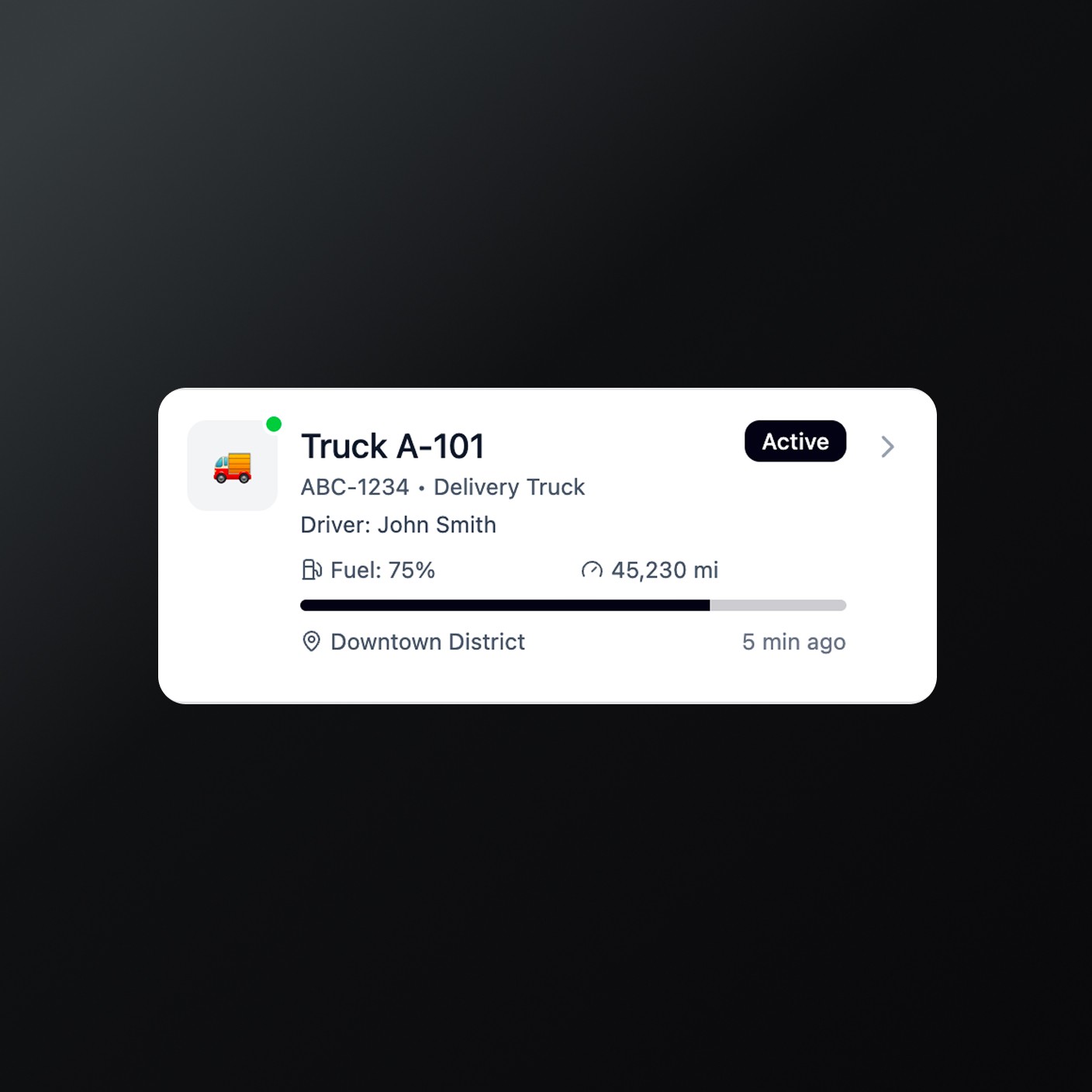
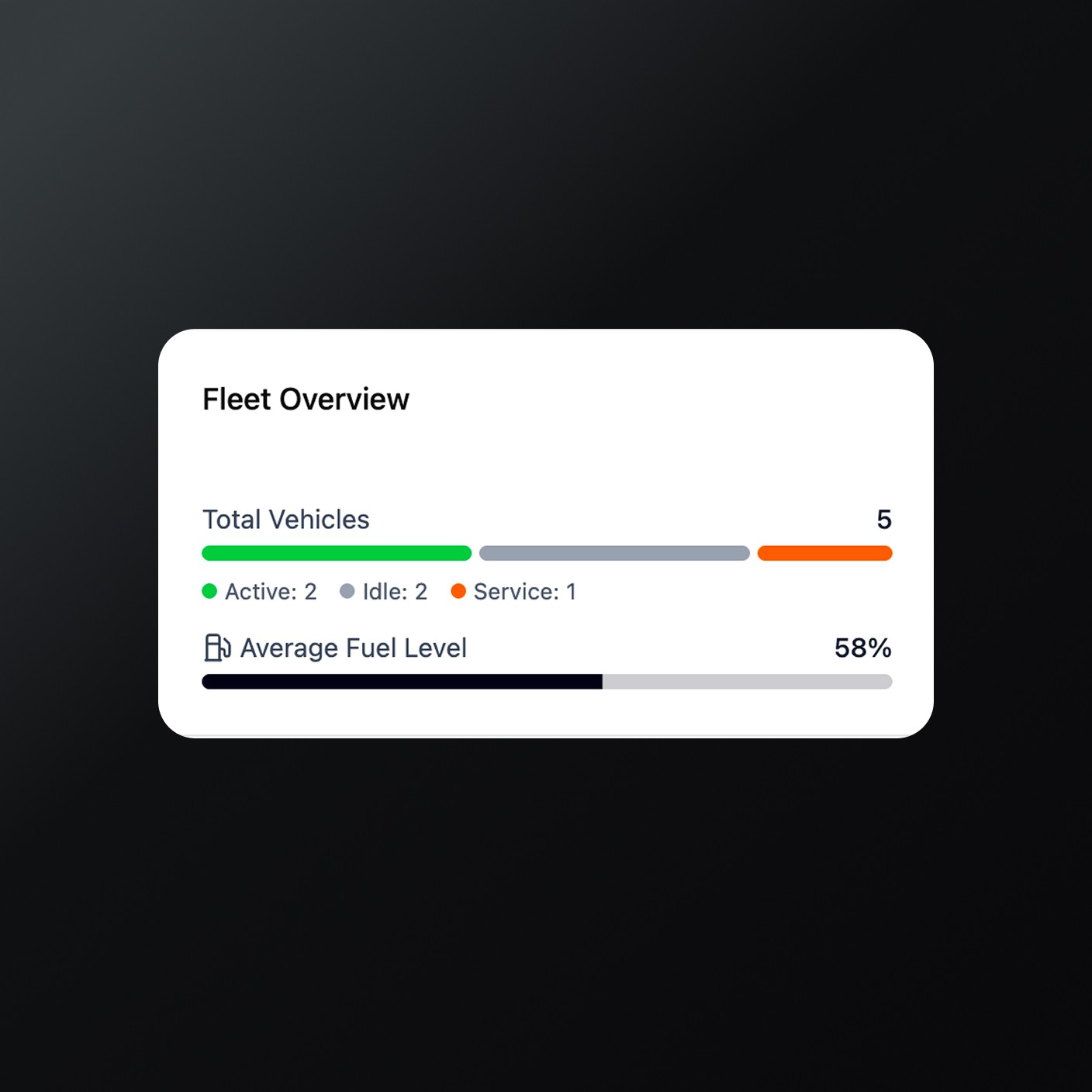
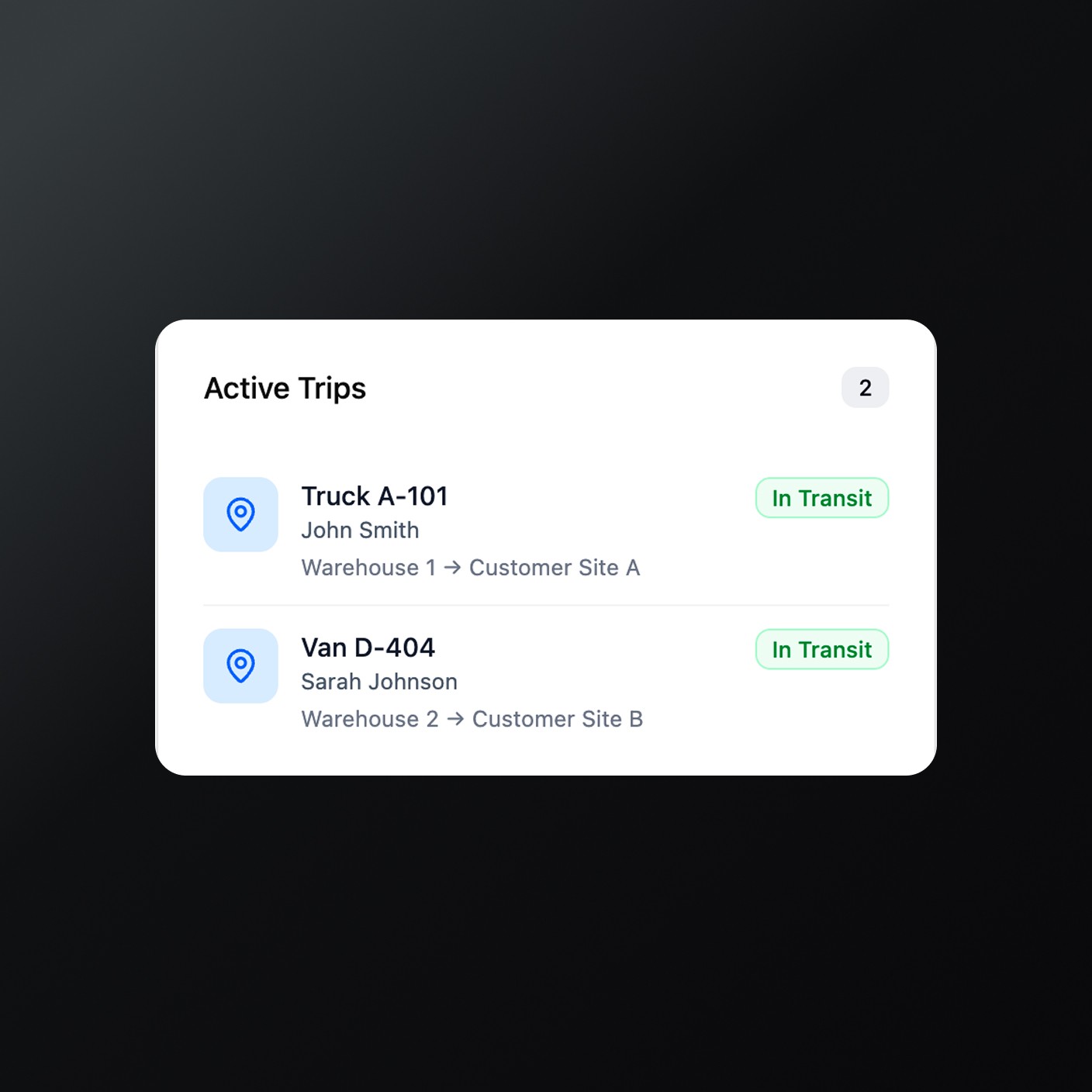
Define, Valitation, iterate
Wireframing and testing
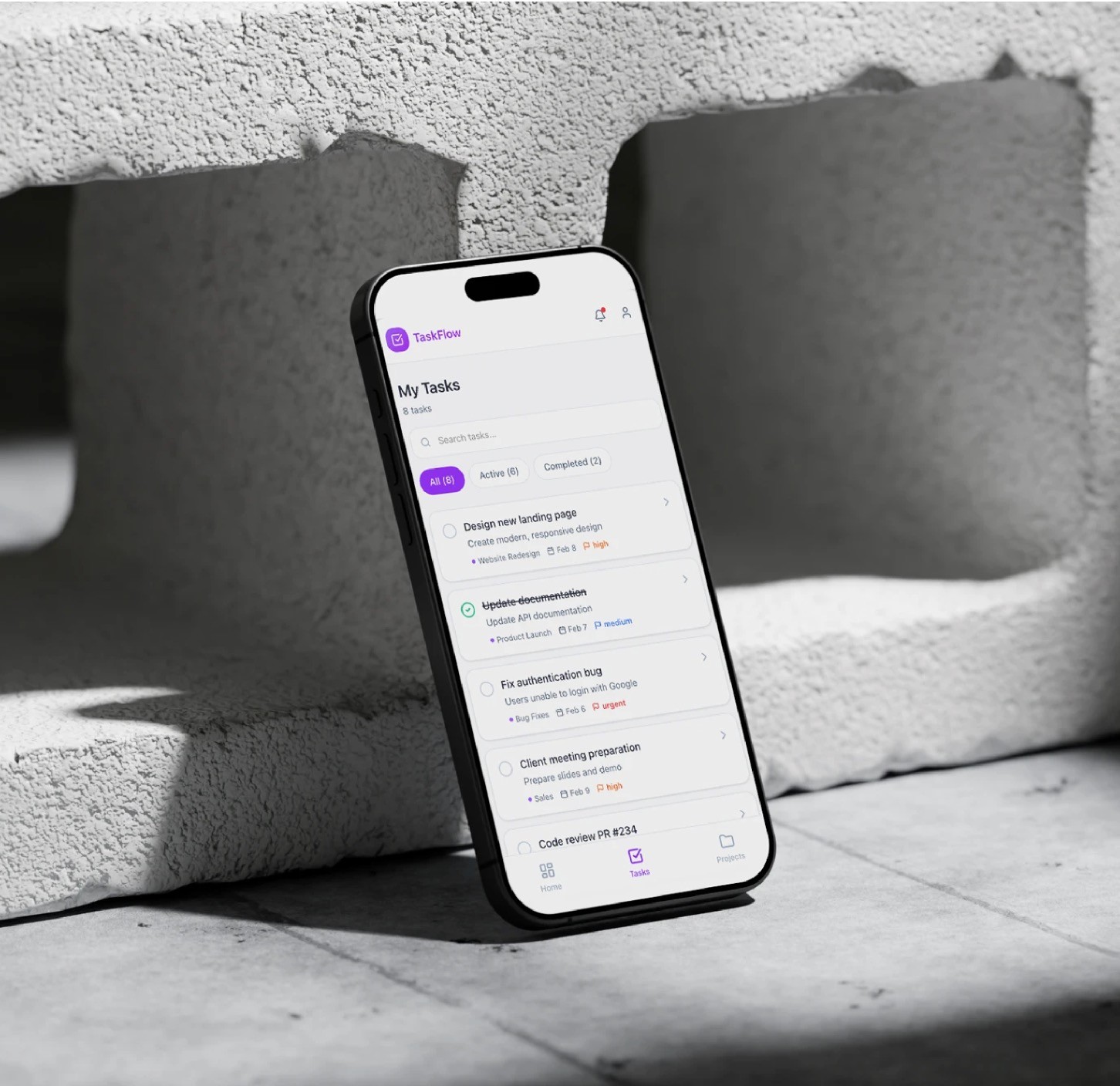
Low-fidelity wireframes were used to explore multiple prioritization models. Each iteration was revied intornally and tested with users bofore moving to higher fidelity designs.
Feedback from customers
Users described the experience as calmer and more focused. They appreciated having fewer decisions to make before starting work.
Positive feedbacks
Usage
Users consistently relied on the main task list and daily planning view, confirming that the simplified structure helped them stay focused on priorities without feeling overwhelmed.
Task completion confidence
Clear task states and visual hierarchy increased users' confidence in marking tasks as done, reducing hesitation and double-checking behavior.
Gesture-based interaction
Secondary tools were used intentionally, reducing accidental interactions and error.
Feedback from customers
Users described the experience as calmer and more focused. They appreciated having fewer decisions to make before starting work.
Positive feedbacks
Usage
Users consistently relied on the main task list and daily planning view, confirming that the simplified structure helped them stay focused on priorities without feeling overwhelmed.
Task completion confidence
Clear task states and visual hierarchy increased users' confidence in marking tasks as done, reducing hesitation and double-checking behavior.
Gesture-based interaction
Secondary tools were used intentionally, reducing accidental interactions and error.
Outcome and impact
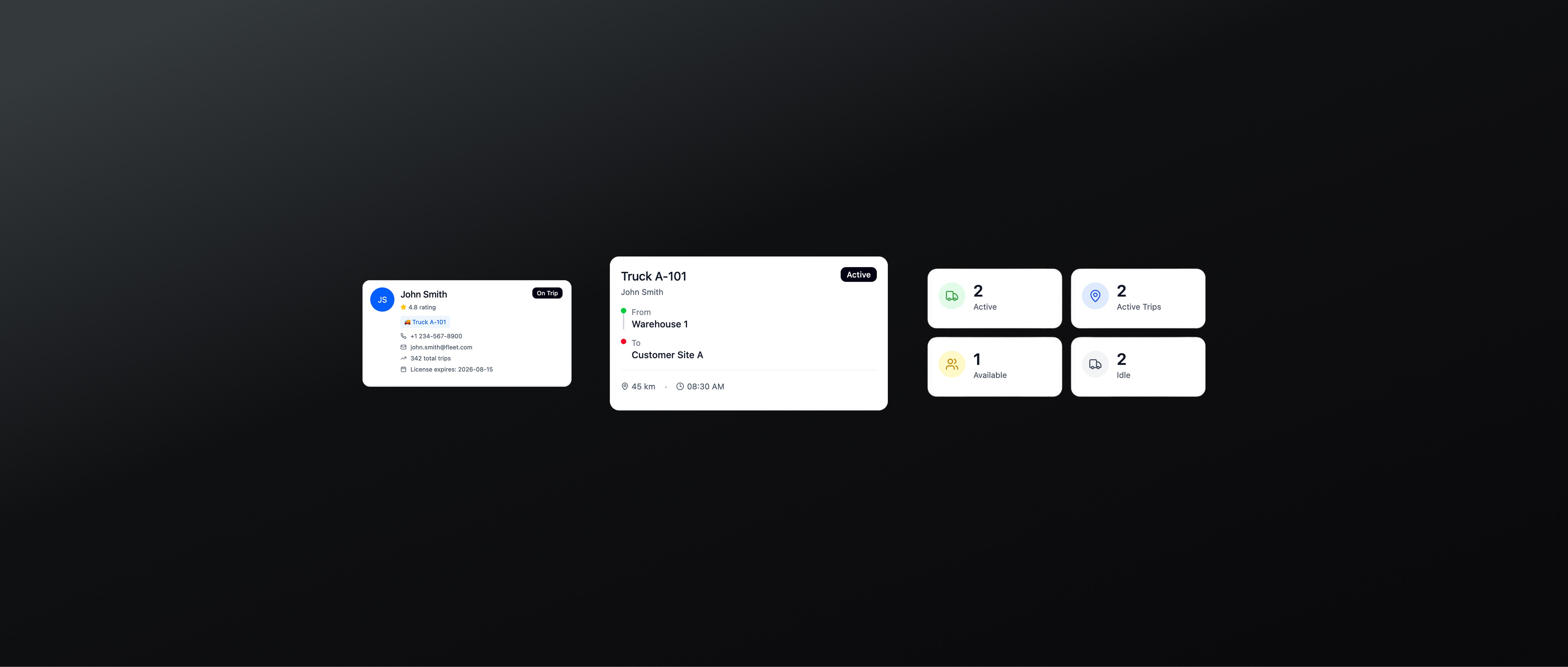
The redesigned Live Operations view was rolled out progressively to a subset of FleetSync customers managing medium and large fleets. The new experience focused on improving situational awareness, reducing reaction time, and supporting faster decision-making during daily operations.
Outcome and impact
The redesigned Live Operations view was rolled out progressively to a subset of FleetSync customers managing medium and large fleets. The new experience focused on improving situational awareness, reducing reaction time, and supporting faster decision-making during daily operations.